The short answer
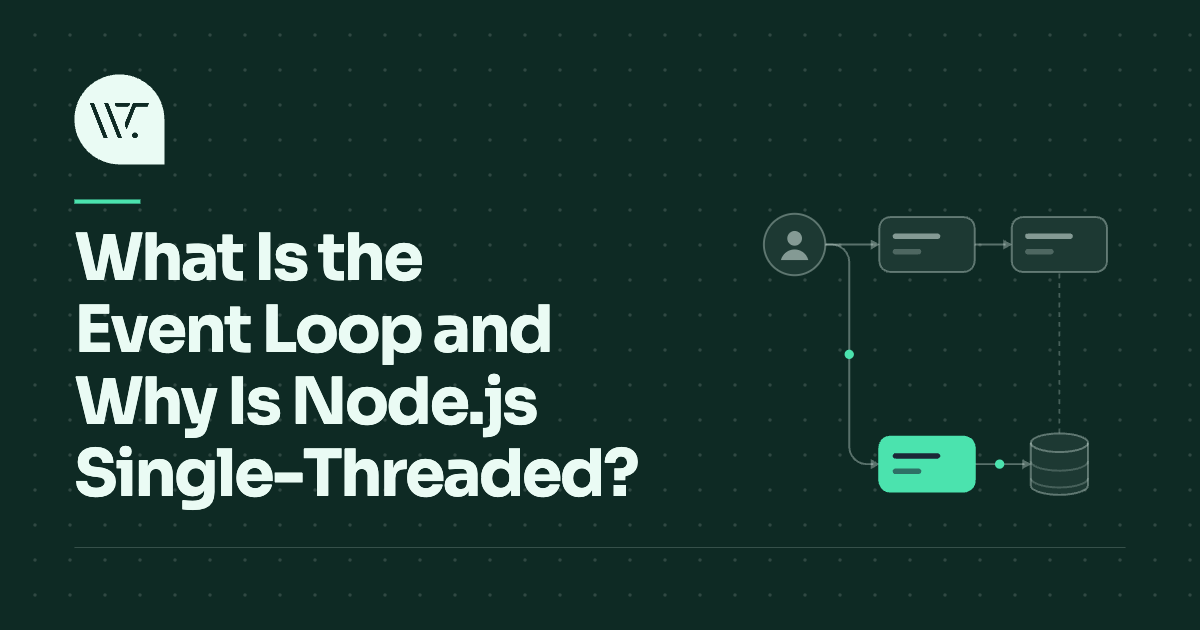
Quick answer: The event loop is a loop that repeatedly takes the next waiting task and runs it to completion. JavaScript runs your code on a single thread with one call stack, so only one piece of code executes at a time. Slow operations such as network requests are handed off to the browser or operating system, and when they finish, a callback is placed in a queue. Whenever the call stack is empty, the event loop takes the next callback from the queue and runs it. Node.js is "single-threaded" in the sense that your JavaScript runs on one thread, while I/O happens in the background.
Also Read: Why 0.1 + 0.2 Is Not 0.3: Floating Point Explained - Programming
The pieces
| Piece | Role |
|---|---|
| Call stack | The function currently running, and the functions that called it |
| Runtime APIs | Timers, network, file access: provided by the browser or Node.js, not by JavaScript itself |
| Task queue | Callbacks waiting to run (timers, I/O, user events) |
| Microtask queue | Higher-priority callbacks (promise reactions, queueMicrotask) |
| Event loop | Moves callbacks from the queues to the stack when the stack is empty |
The key rule is run to completion: once a function starts, nothing else can interrupt it until the stack is empty again.
A worked example
console.log("1: start");

setTimeout(() => console.log("2: timeout"), 0);

Promise.resolve().then(() => console.log("3: promise"));

console.log("4: end");
The output is:
1: start
4: end
3: promise
2: timeout
Here is why:
"1: start"is logged immediately.setTimeouthands a callback to the runtime's timer. Even with a delay of 0, it goes to the task queue.- The resolved promise's
.thencallback goes to the microtask queue. "4: end"is logged. The script finishes and the stack is empty.- The event loop drains the whole microtask queue first:
"3: promise". - Then it takes the next task:
"2: timeout".
Microtasks vs tasks
After each task, and before moving to the next one, the loop runs every pending microtask, including any that are added while it is doing so.
| Tasks (macrotasks) | Microtasks | |
|---|---|---|
| Sources | setTimeout, setInterval, I/O callbacks, UI events | Promise .then/catch/finally, await continuations, queueMicrotask |
| When they run | One per loop turn | All of them, after each task |
| Risk | Slow tasks delay everything | An endless chain of microtasks starves the loop |
This is why code after an await runs before a zero-delay timer. The mechanics of await are covered in how async/await works.
Why JavaScript was built this way
JavaScript was created to script web pages, where code manipulates one shared document. With multiple threads changing the same page at once, every script would need locks and would risk race conditions. A single thread removes that whole class of bugs: your code never gets interrupted halfway through updating something.
In browsers, the same thread also handles layout and painting. That is why a long-running script freezes the page: the browser cannot render or respond to clicks until the stack is empty.
How Node.js serves thousands of connections on one thread
The trick is that waiting does not need a thread. When Node.js starts a network read, it asks the operating system to notify it when data arrives, then goes back to the loop. One thread can track tens of thousands of sockets this way, because at any moment almost all of them are idle.
Under the hood, Node.js uses a library called libuv:
- Network I/O uses the operating system's own notification mechanisms (epoll on Linux, kqueue on macOS, IOCP on Windows).
- File system operations, DNS lookups and some cryptography have no good non-blocking interface on every platform, so libuv runs them on a small thread pool (four threads by default).
So Node.js is not literally single-threaded. Your JavaScript is; the plumbing is not.
The Node.js loop runs in phases on each turn, as the official guide describes:
- Timers:
setTimeoutandsetIntervalcallbacks that are due. - Pending callbacks: some deferred system callbacks.
- Poll: retrieve new I/O events and run their callbacks; wait here if there is nothing else to do.
- Check:
setImmediatecallbacks. - Close callbacks: such as a socket's
closeevent.
Between callbacks, Node.js runs process.nextTick callbacks and then promise microtasks.
Also Read: Compiled vs Interpreted vs JIT: How Languages Run
Compared with a thread per request
| Thread per request | Event loop | |
|---|---|---|
| Memory per connection | A thread stack each | A small object each |
| Many idle connections | Expensive | Cheap |
| CPU-heavy request | Uses its own thread; others unaffected | Blocks everyone |
| Shared state | Needs locks | No locks within one thread |
| Mental model | Straight-line code | Callbacks, promises, async/await |
That is why event-driven servers suit chat, APIs and WebSockets, where connections are numerous and mostly waiting. The trade-offs with threads are discussed in processes vs threads.
Do not block the loop
Because everything shares one thread, a single slow function delays every other user. Common culprits:
- Large synchronous loops or heavy calculations.
JSON.parseorJSON.stringifyon huge payloads.- Synchronous APIs such as
fs.readFileSyncin request handlers. - Regular expressions with catastrophic backtracking; see how regular expressions work.
Ways to fix it:
- Move CPU work off the thread. Use Worker Threads in Node.js or Web Workers in the browser.
- Split the work. Process in chunks and yield between them.
- Scale out. Run one Node.js process per core behind a load balancer.
- Measure. Track event loop delay to catch blocking early.
A note on timers: setTimeout(fn, 100) means "no sooner than 100 ms". If the loop is busy, the callback runs late.
Other languages have event loops too
The pattern is not unique to JavaScript. Python's asyncio, Rust's Tokio, Nginx, Redis and every desktop GUI toolkit are built around an event loop. The details differ, but the shape is the same: wait for events, run a handler, repeat.
Frequently asked questions
Is Node.js really single-threaded?
Your JavaScript runs on one thread. Node.js itself uses additional threads for some I/O, and you can create Worker Threads for CPU-heavy work.
Why does setTimeout with 0 not run immediately?
Its callback is queued as a task and can only run after the current code finishes and all microtasks are drained.
What is a microtask?
A small callback, usually from a promise, that runs right after the current task and before the next one.
What happens if I run an infinite loop?
Nothing else can run: no timers, no I/O callbacks, no rendering. The program or page appears frozen.
Conclusion
The event loop is a simple idea with large consequences: one thread, one stack, and queues of callbacks run one at a time. It makes concurrency easy to reason about and lets one process juggle huge numbers of connections, provided no single task keeps the thread for long.
Related articles
- How Async/Await Works Under the Hood
- Processes vs Threads: What's the Real Difference?
- How WebSockets Enable Real-Time Apps Like Chat and Live Scores
- How Browsers Render a Web Page
Sources and further reading