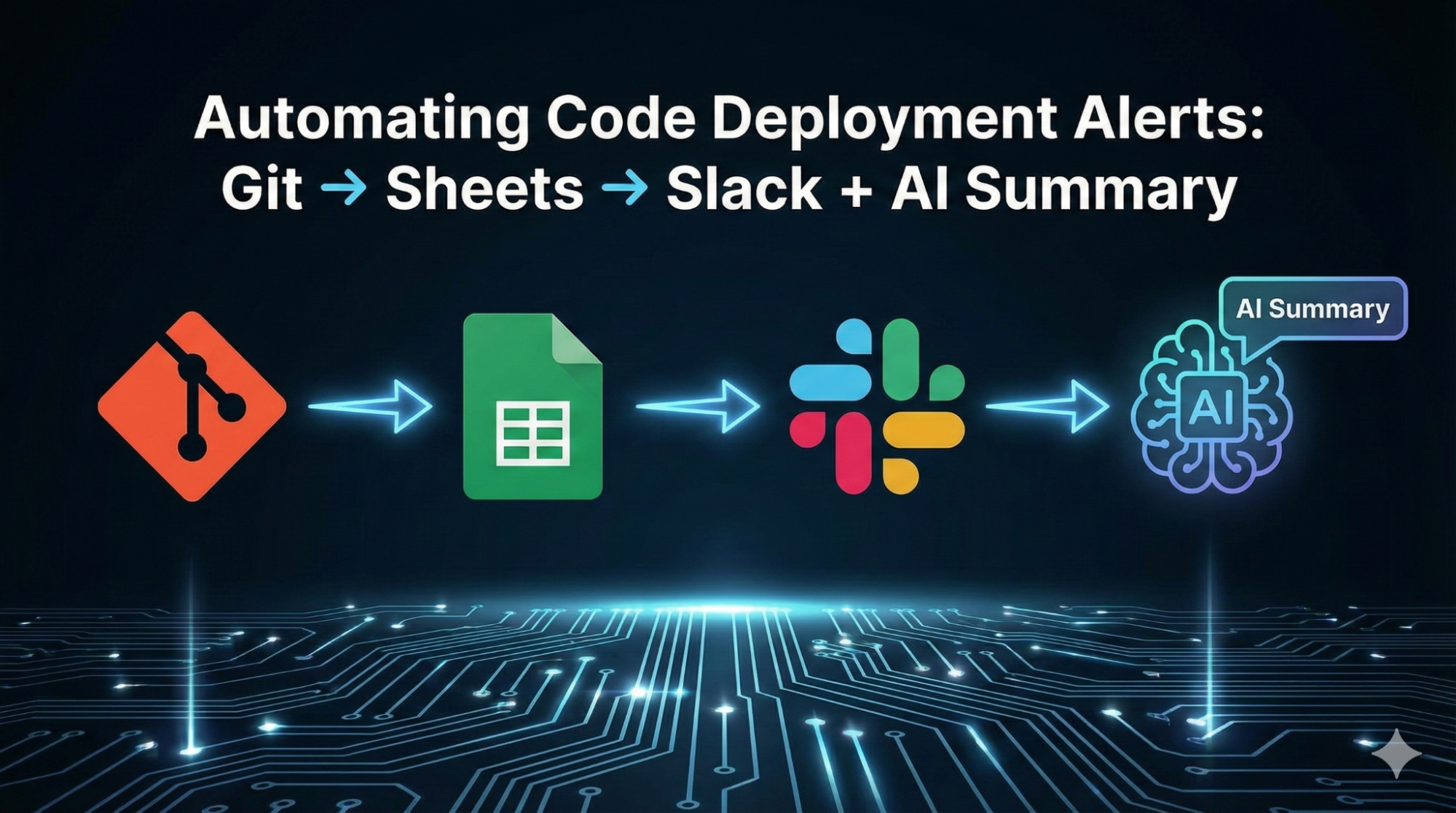
In today’s rapidly advancing software development environment, AI services are transforming how teams manage their work. Our AI consulting experts at Impero often rely on advanced AI services to automate mundane processes, turning manual updates into streamlined workflows. For example, leveraging robust generative AI services with tools like Git, Google Sheets, and Slack, we can automatically track code deployments and summarize key changes for the team.
In this, we’ll explain how to set up a pipeline from Git to Sheets to Slack with an AI-powered summary layer, making deployment alerts smarter and more efficient.
Also Read: The Future of Programming: AI and Machine Learning
Table of Contents
- Why Automate Code Deployment Alerts?
- Integrating Git and Google Sheets
- Sending Notifications to Slack
- AI-Powered Summaries of Deployments
- Benefits and Best Practices
- Conclusion
Why Automate Code Deployment Alerts?
Modern teams deploy code many times per day using CI/CD pipelines. In fact, Google’s DevOps report predicts over 80% of organizations will have adopted CI/CD by 2025. With so many deployments, manual tracking (emails or ad-hoc messages) quickly becomes error-prone. Automating alerts ensures everyone on the team (developers, managers, and even stakeholders) instantly knows when the new code is live.
Also Read: How AI Content Detectors Help Identify Machine-Generated Text?
Slack is often the hub for these updates. Companies using Slack report major productivity gains and teams work 35% faster. Development teams commonly use Slack apps to integrate workflows, for example, Slack’s ecosystem offers apps that automate tasks like code deployment alerts and bug tracking. By automating deployment notifications into Slack, teams avoid context-switching and keep communication in one place, boosting efficiency.
Likewise, Google Sheets provides a familiar way to log events. Many teams use Sheets as a lightweight database or dashboard to track changes over time. Slack’s Workflow Builder even lets you add data directly into a spreadsheet. In practice, an incoming Git commit or release can trigger an update to a Google Sheet (via a script or API), creating a centralized audit log of deployments. This integration means that every deployment is recorded in Sheets without manual entry.
Also Read: Filament Notifications Management
Integrating Git and Google Sheets
To start, identify the trigger from your version control system (e.g. GitHub or GitLab). Common triggers include pushes to a main branch, merged pull requests, or tagged releases. You can configure a GitHub Action (or similar CI step) that fires on each deployment. That action can collect details like the commit hash, author, timestamp, and release notes.
Next, have the action write these details into Google Sheets. This can be done via the Google Sheets API or a tool like gspread. For instance, you can use a script to add a new row to the ‘Deployments’ sheet containing the latest commit details. Slack even provides a direct way: you can use Workflow Builder to “Add a Spreadsheet row” whenever certain steps complete. In either case, the result is a living spreadsheet log.
This sheet acts as an authoritative record, auditors or managers can see at a glance what went live and when. If your organization already uses Google Workspace, Sheets is a low-friction solution, it’s cloud-hosted, collaborative, and requires no extra infrastructure. According to recent data, 42 million users worldwide rely on Google Sheets daily, so it’s a familiar tool for teams.
Also Read: The Role of Deep Learning in AI Sketch to Image Conversion - News
Steps to integrate Git with Sheets:
- Trigger: Configure your CI/CD tool (GitHub Actions, Jenkins, etc.) to run on deployment events (push, PR merge, or tag).
- Collect Data: In that step, gather deployment details (commit IDs, branch, author, timestamp, etc.).
- Write to Sheet: Use the Google Sheets API (or Slack Workflow steps) to add a new row with those details.
- (Optional) Log Audits: You might also log deployment approvals or other metadata in additional columns for auditing.
By the end of this setup, every deployment automatically appends a timestamped row to your Google Sheet, with no human intervention.
Sending Notifications to Slack
With deployments logged, the next step is real-time alerts. Slack is ideal for instant team communication. You can create a dedicated channel (e.g. #deployments) and have notifications posted there.
There are several ways to connect to Slack:
- Slack Incoming Webhook: You can configure your CI process to send a JSON payload via HTTP POST to Slack’s Incoming Webhook. This can include the commit message, author, and a link to the deployed code. (Using Block Kit formatting can make messages clean and structured)
- GitHub App for Slack: Slack’s official GitHub integration allows you to subscribe to a repo so that commits, pull requests, and issues automatically post in Slack . While powerful, these posts all commit activity, not just deployments. It can be combined with the Sheet approach or used in parallel.
- Workflow Builder Triggers: Slack workflows can be set to trigger when a new row is added to Google Sheets. However, Slack’s Workflow Builder can “pull data from Google Sheets” into a workflow, enabling Slack messages based on sheet changes.
Either way, the goal is that when Git pushes code, your pipeline sends a message to Slack.
Also Read: How AI is Improving Customer Service | The Web Tier
You can also tag relevant team members or alert roles (e.g. @frontend-team). Because Slack keeps a history, everyone can review past alerts or search back through deployment history in the channel. This centralizes communication and reduces email noise, which is one reason Slack users report sending 60% fewer emails after adopting the tool.
Importantly, every Slack alert should reference the Google Sheet entry. That way, clicking the provided link can bring you to the full log entry. Over time, the sheet and Slack channel together form a powerful record: the sheet for audit/analysis, Slack for real-time notice.
AI-Powered Summaries of Deployments
A key innovation is adding generative AI to this workflow. Instead of expecting busy team members to parse long commit lists or detailed release notes, use an AI model to craft a human-friendly summary. Large language models (like GPT-4) excel at digesting technical text into plain language.
Also Read: How AI and Machine Learning Are Enhancing eLearning Apps
Why add AI? First, it saves time. Developers or managers don’t need to filter through dozens of commit messages. They see a crisp update instead. Second, it makes information accessible. Non-engineers (product managers, executives) may not understand raw technical logs, but an AI can translate jargon into clear terms. Third, it’s a trending best practice: surveys show 96% of enterprises view generative AI as a key enabler, with 82% expecting rapid growth in adoption. Teams are already using AI for things like automated documentation, and notes summarizing deployments is a natural extension.
To implement this, you can use the same pipeline: after a commit triggers the sheet and Slack steps, add an AI step. For instance, call an API that reads the new row from Sheets, runs the LLM summary, and sends that text as a follow-up Slack message.
Key points for AI summaries:
- Choose a model: GPT-4, Claude, or other LLMs can be used via API.
- Privacy: Ensure no sensitive code is sent to the model if confidentiality is a concern.
- Prompt design: Explicitly instruct the model to produce concise text.
- Validation: Have a reviewer check the first few summaries to ensure accuracy.
By harnessing generative AI, you transform raw deployment data into narrative updates. This improves stakeholder engagement: people get overview without digging through raw logs.
Benefits and Best Practices
Automating your deployment alerts with AI delivers many advantages:
- Real-Time Visibility: All team members see deployments immediately in Slack. This keeps distributed teams aligned.
- Productivity Boost: With alerts and summaries automated, developers and managers save hours per week. (Slack users are already 35% faster in their work after adopting it.)
- Reduced Email/Meetings: When the CI pipeline pushes updates into Slack, you send far fewer internal status emails or meeting updates.
- Consistent Auditing: Every deployment is logged in a Google Sheet. This audit trail can be useful for compliance or analyzing release frequency over time.
- Executive-Friendly Updates: AI-generated summaries turn technical commit logs into clear bullet points.
- Scalability: As your product grows, the system scales too. Whether you deploy 5 times a week or 50 times, the alerts and summaries flow automatically, with zero extra effort.
- Competitive Advantage: By using AI services smartly, you let your team focus on shipping features, not writing status reports. 82% of business leaders believe that the use of generative AI will experience rapid growth over the next two years, implementing it in DevOps now keeps you ahead of the curve.
Best practices: Use clear formatting in Slack (bold titles, short bullet points), so alerts are scannable. Tag the right people or channels to avoid noise. Periodically review the AI summaries for accuracy. Ensure your Google Sheet is well-organized (with columns like date, commit ID, summary) and consider auto-archiving old data.
Conclusion
Connecting Git → Sheets → Slack with an AI summary turns deployment tracking from a chore into a polished experience. Your team gains real-time insights in the place they already chat (Slack), while your dashboard (Google Sheets) keeps a historical log. Adding generative AI on top creates human-friendly release notes automatically. This modern workflow aligns with industry trends: CI/CD adoption is surging, and companies are investing in AI consulting to make sense of data. Studies show enormous ROI from using tools like Slack (a Forrester report found 338% ROI and $2.1 million in productivity savings per company).
Also Read: Build Laravel APIs
For startup founders and CTOs, the message is clear: automate your alerts now. By leveraging AI services and smart integrations, you keep your team agile and informed without extra manual work. With the right support – be it in-house or through AI consulting – setting up this pipeline is straightforward and high-impact. The result is a leaner workflow where every deployment is transparently logged and summarized, freeing your team to focus on building the product. Embrace automation today and let AI-powered pipelines handle the updates, keeping your team in sync and your code deliveries running smoothly.