
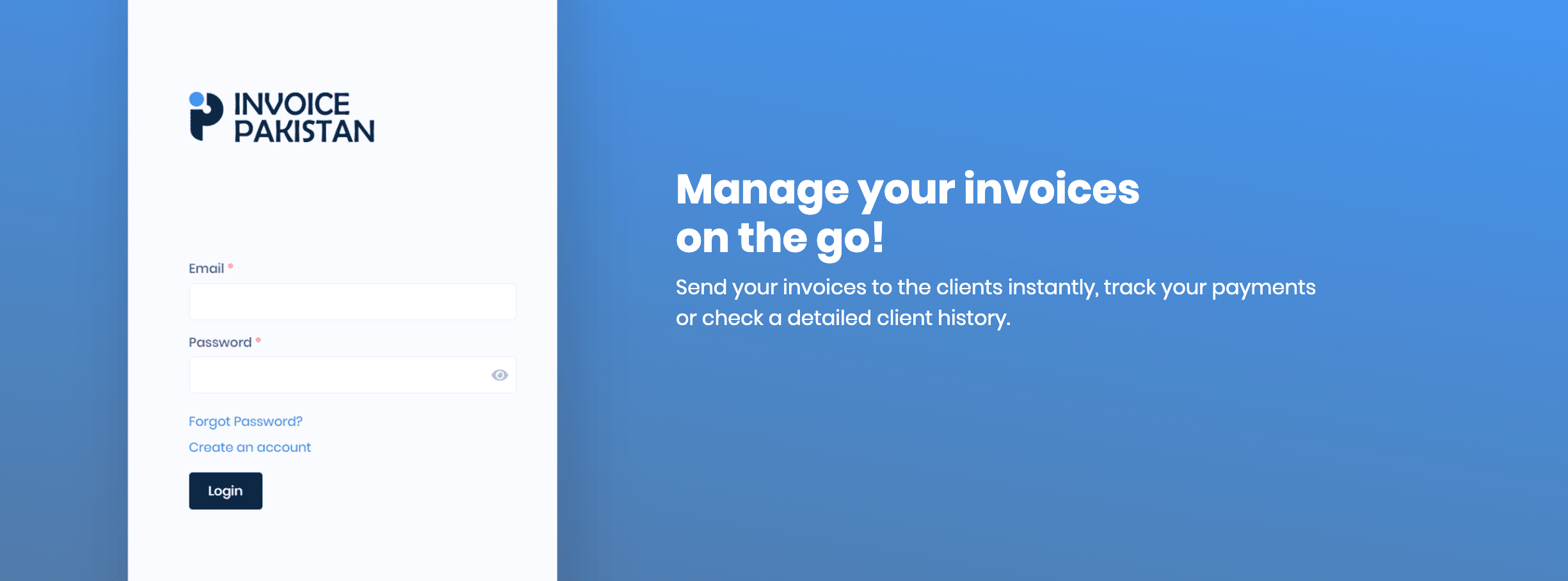
Invoice Pakistan is the brand new digital invoicing platform marked its footprints in the Pakistan Digital ecosystem. It provides super simple invoicing solutions for small & medium business owners & charges nothing. Yes, you heard that right, it's totally free of cost.
What does an Invoice generally include?
1. Date of Transaction
It's basically the date the invoice was created on. Don't forget this. The date of the invoice starts the clock ticking on the customer. If you have terms (a time limit for payment), you want to include the date so everyone knows when the payment is due.
2. Names & Addresses of Customer & Supplier
If you're creating the invoice in accounting software, you may only need the email address of the customer, but it's still a good idea to collect and include the physical address, in case you need to send a real letter or document.
3. Description of the Items or Services purchased
Often you will have standard item descriptions and inventory numbers. But be as specific and detailed as possible, when you create the invoice. This avoids confusion and "I didn't know" issues.
4. Terms of Payment
For example, the provider might specify "net 30 days," which means that the entire amount is due within 30 days.
So does Invoice Pakistan provides all of these stuff? Yes IT DOES.
Not only that, Invoice Pakistan provides a complete invoicing solution from generating invoices to calculating estimates to track payment records & expenses to reporting and so much more. Intriguing, isn't it?
Getting Started with Invoice Pakistan
1. Create an Account
Head over to Invoice Pakistan and register yourself to use this application.
2. Adding Customers
Next you can add your customers against whom you'd want to generate invoices.
3. Add Items
You can now add items in your invoice and setting prices along with them.
4. Select from the Templates
Invoice Pakistan provides beautiful set of templates for your invoices, you can choose from the list on the go.
5. Save it, Send it, Done
Now you can send your newly created invoice to your customer via email. Simple isn't it?
Guidelines & How to's?
If you're stuck at any point or not understanding where to go from the dashboard and what to do next, they've got you covered with an excellent documentation covering almost everything.
Invoice Pakistan loves Open-Source
Invoice Pakistan is built and modified on an open-source Crater's library which is powered by Laravel & VueJs.
Concluding Remarks
In the end, it's an excellent tool overall with power-packed features and set your businesses invoicing up and running without any hassle. Try it out yourself & let us know what you think.
